Report a bug
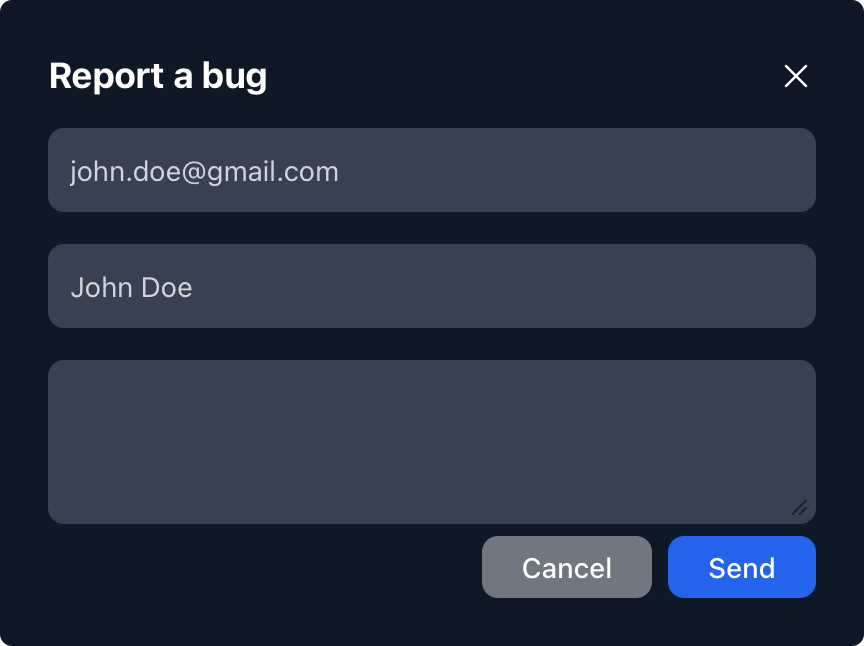
You can send us a bug report at any time. All you need to do is select the Report a bug menu item, then describe the issue you experienced in the popup window that appears.
The sender’s email address and name are automatically filled in based on your currently logged-in user account, so you don’t need to enter them manually. However, if you prefer not to share this information with us, you have the option to modify it.
In the last text field, you can describe the issue you encountered. The more detailed your description is, the easier it will be for us to identify and fix the problem.